Flex Quiz: Horizontal

Return to List

Skinned Examples

No skinned examples found.
Description:

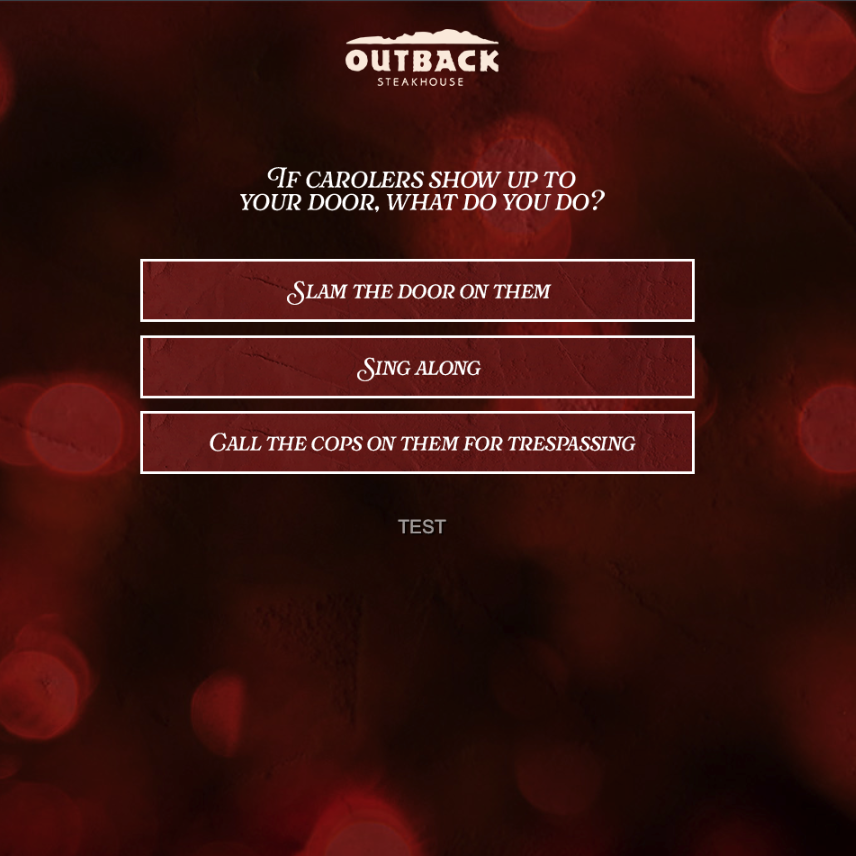
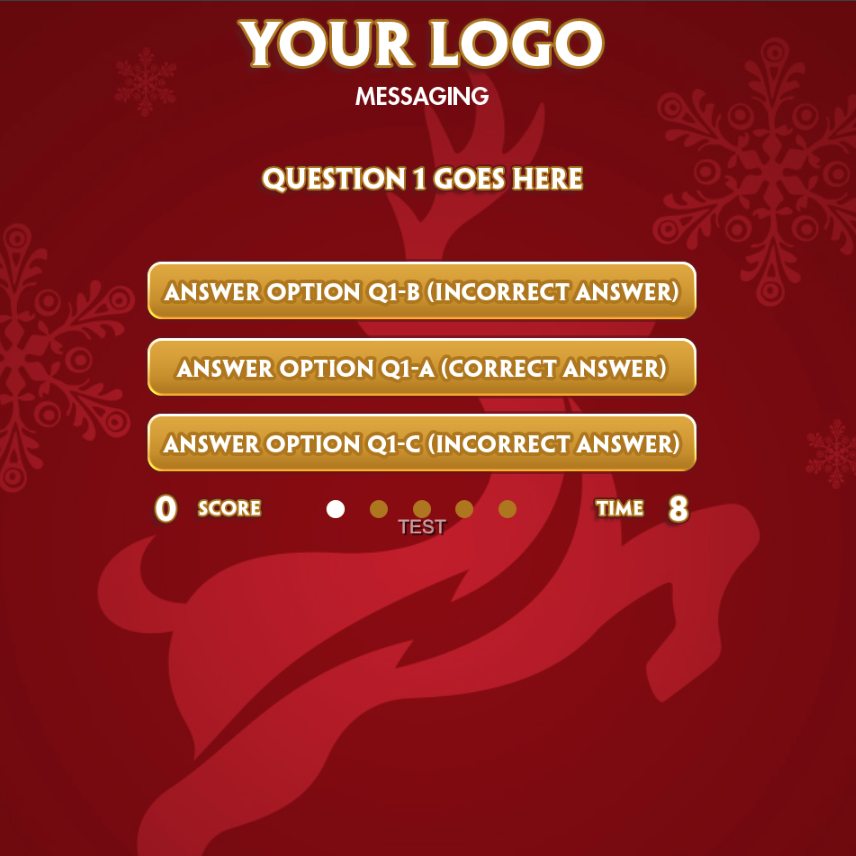
The question is on top of the screen with horizontal answers stacked underneath. Answer choices picked by players are recorded and stored.

Sizing:
  • Game space: 640x480
  • Answer images: 616x70
Q&A options (# questions & # answers):
  • Customizable in Mechanic Configuration Editor
Transition Options:
  • Auto: Once an answer is pressed, automatically goes to the next question.
  • Timer: Players have a limited number of seconds to answer each question (defined in Mechanic Configuration Editor)
  • Confirm: Players click a button once an answer is selected.
Completion Control Option:

‘Correct’ answer is ‘a’ image and is randomized every game as the score is tracked and shown on screen.

  • Multi-Exit: Exit level based on number of correct answers.

To create a campaign of this type:
Login to the CataBoom admin panel, and choose "Create New Campaign", then:
  • Enter the name and URL slug that you wish to use for your new camapaign"
  • Game Category = Quiz
  • Select Game = Flex Quiz: Horizontal
Description:

The question is on top of the screen with horizontal answers stacked underneath. Answer choices picked by players are recorded and stored.

Sizing:
  • Game space: 640x480
  • Answer images: 616x70
Q&A options (# questions & # answers):
  • Customizable in Mechanic Configuration Editor
Transition Options:
  • Auto: Once an answer is pressed, automatically goes to the next question.
  • Timer: Players have a limited number of seconds to answer each question (defined in Mechanic Configuration Editor)
  • Confirm: Players click a button once an answer is selected.
Completion Control Option:

‘Correct’ answer is ‘a’ image and is randomized every game as the score is tracked and shown on screen.

  • Multi-Exit: Exit level based on number of correct answers.

To create a campaign of this type:
Login to the CataBoom admin panel, and choose "Create New Campaign", then:
  • Enter the name and URL slug that you wish to use for your new camapaign"
  • Game Category = Quiz
  • Select Game = Flex Quiz: Horizontal